Overview & concepts
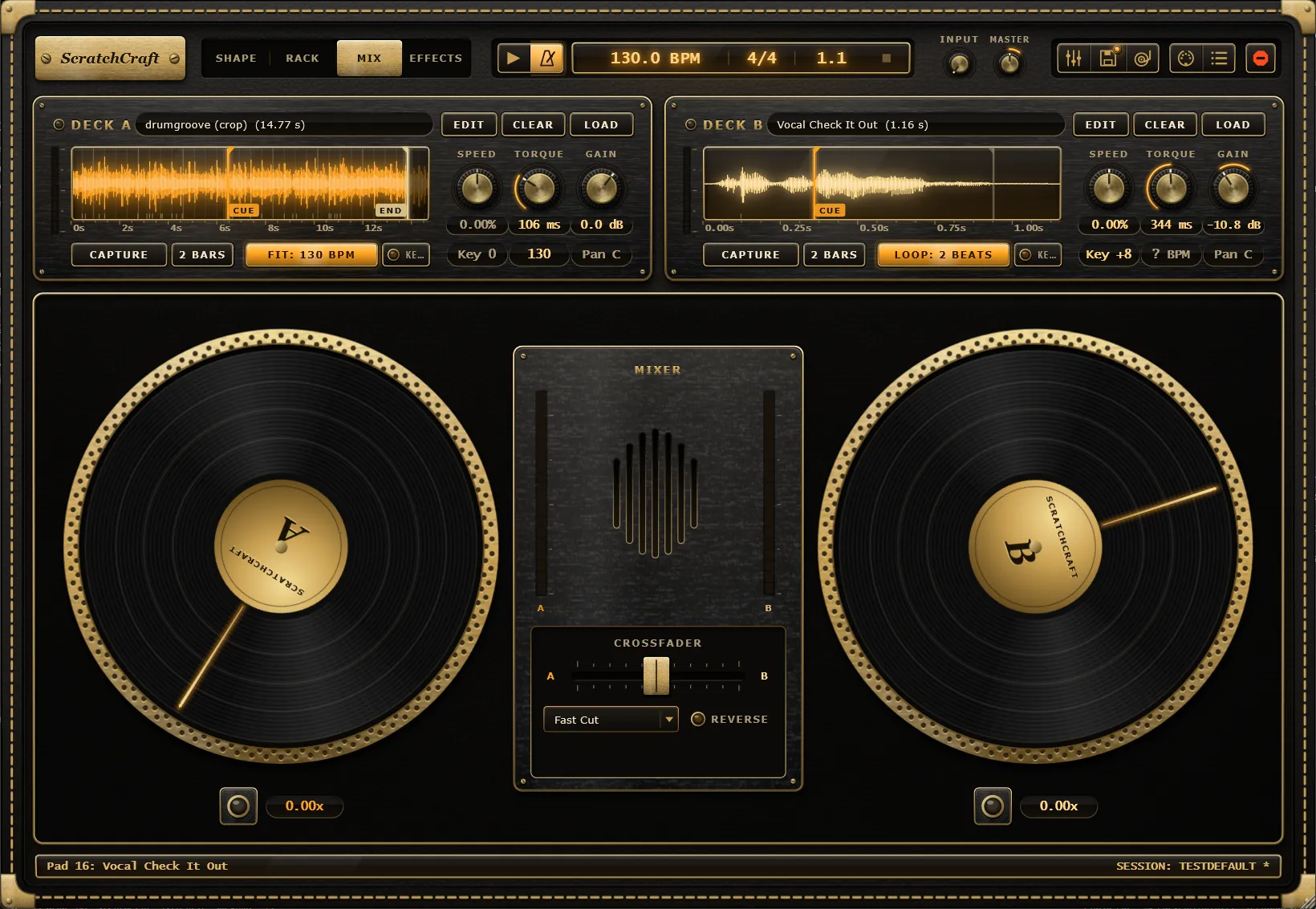
ScratchCraft is an instrument for turntable scratching inside your DAW. It loads as a VST3 instrument on a MIDI track (Ableton Live is the main target, and any VST3 host works), and it also runs on its own as a standalone app with its own transport.
Every scratch is two signals
Section titled “Every scratch is two signals”On a real turntable a scratch is two hands: one moves the record, the other works the crossfader. ScratchCraft stores and plays every scratch the same way, as two signals over time:
- Platter position: where the needle is in the sample, measured from the deck’s cue point.
- Fader state: how open the deck’s channel is.
Speed and direction are just the slope of the position curve, and pitch follows speed as on vinyl. The only separate pitch controls are a deck’s Speed and Key and a pad’s Pitch.
Three ways to make those signals
Section titled “Three ways to make those signals”| Mode | Tab | What it does |
|---|---|---|
| Shape | Shape | Draws the two signals on a tempo-synced grid. |
| Rack | Rack | Triggers drawn signals from 32 pads, played with MIDI notes. |
| Freestyle | Mix | Generates them live from the mouse, touch or a MIDI controller. |
Because all three produce the same signals, a Freestyle take can be recorded straight into a Shape and edited. A fourth tab, Effects, edits each deck’s effect rack.
Two decks
Section titled “Two decks”There are always two decks, A and B, with a crossfader between them. The classic setup is a beat or backing loop on deck A while deck B carries the scratch sample. Each deck has its own sample, cue and end markers, motor, Speed, Key, gain, pan, tone section and effect rack. See Decks.
Where the audio comes from
Section titled “Where the audio comes from”Decks and pads play samples: files from the sample library, files dropped on the plugin, or audio captured from another track through the sidechain. ScratchCraft never scratches live input directly: it can’t play audio from the future, so track audio is recorded into a deck first and scratched from there.